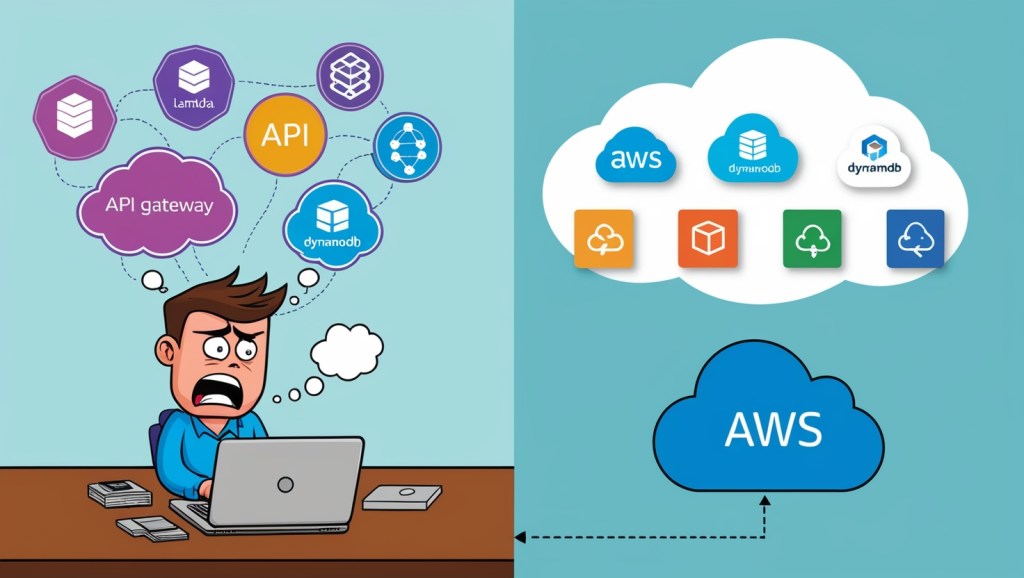
Picture this: You’re an AWS developer, sitting in your favorite coffee shop, sipping on your third espresso of the day. You’re working on a cutting-edge serverless application that’s going to revolutionize… well, something. But as you try to test your latest feature, you realize you’re caught in a classic “cloud” vs “localhost” conundrum. Welcome to the serverless development dilemma!
The Problem: When “It Works on My Machine” Doesn’t Work
Remember the good old days when you could just spin up a local server, run your app, and call it a day? Well, serverless architectures looked at that and said, “Hold my water.” (I do not condone drinking alcohol)
In the world of serverless, your application is a beautiful orchestra of cloud services – Lambda functions dancing with API Gateways, while DynamoDB tables hum in the background. And let’s not forget the backing vocals of Amazon Lex and the percussion section of Amazon Connect.
But here’s the rub: how do you rehearse this symphony on your laptop?
Sure, you can use the AWS SAM CLI to run a Lambda function locally, or maybe even set up a local API Gateway. But what about when your code needs to chat with Lex? Or make a call through Connect? Suddenly, your local environment looks less like a development setup and more like a game of “Cloud Service Charades.”

The Stakes: Why This Matters
This isn’t just about developer convenience (although let’s be honest, we do love our convenience). This problem has real implications:
- Slower Development Cycles: Without a proper local testing environment, developers end up playing a constant game of “deploy and pray.”
- Inconsistent Deployments: Different developers might deploy to the development environment thereby overwriting the last deployment from another developer that needs to test something.
- Reduced Confidence: When you can’t fully test locally, you’re never quite sure if your changes will work in production. It’s like coding with a blindfold on – exciting, but not in a good way.
The Solution: Your Personal Cloud Playground
But fear not, intrepid serverless developer! We have a solution that’s so crazy, it just might work. What if, instead of trying to bring the cloud to your laptop, we bring your laptop to the cloud?
Here’s the big idea:
- GitLab Environments: We’ll use GitLab’s environment feature to create multiple, isolated AWS environments. Think of it as your own personal cloud playground.
- Multiple Terraform States: We’ll manage these environments using separate Terraform state files. It’s like giving each of your environments its own diary to keep track of what’s going on.
- Automated CI/CD Pipeline: We’ll set up a pipeline that allows you to deploy your changes to your personal sandbox environment, test to your heart’s content, and then promote your changes all the way to production.

In the upcoming posts, we’ll dive deep into each of these components. We’ll look at how to set up GitLab environments, manage multiple Terraform states, and create a CI/CD pipeline that would make even the most hardened DevOps engineer weep with joy.
We’ll also explore how to use the OIDC (OpenID Connect) integration pattern to securely assume AWS roles in our setup. It’s like giving your pipeline a secure, rotating password to access AWS. Magic!
Coming Up Next
In our next post, “GitLab Environments: Your Personal Cloud Playground,” we’ll explore how to set up and use GitLab environments to create isolated development sandboxes. We’ll see how this approach allows each developer to have their own little corner of the cloud to play in, without stepping on each other’s toes.
Remember, in the world of serverless development, the cloud is not just a place where your application runs – it’s your new localhost. So buckle up, serverless enthusiasts! This is going to be fun!



 Code is Life
Leave a comment